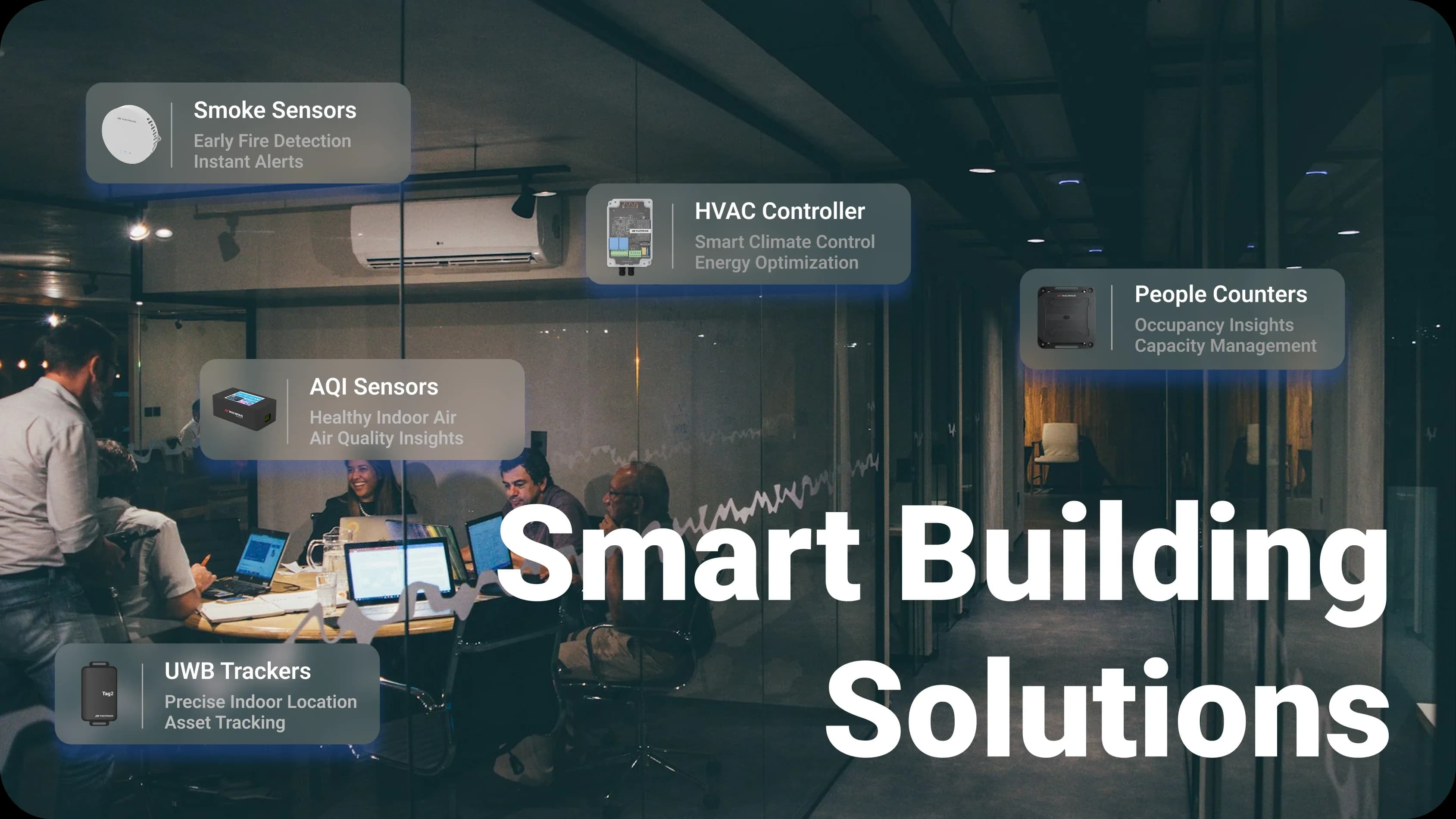
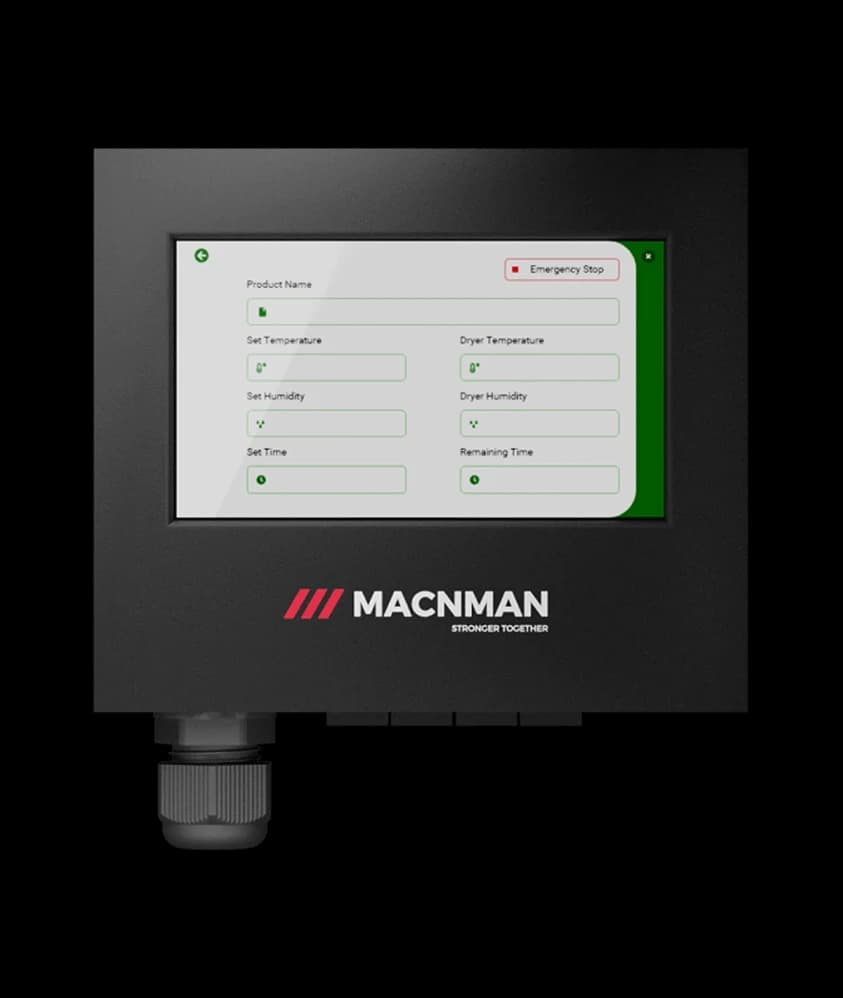
IAQ, Occupancy & EnergyCO₂ · temperature · people count · kWh
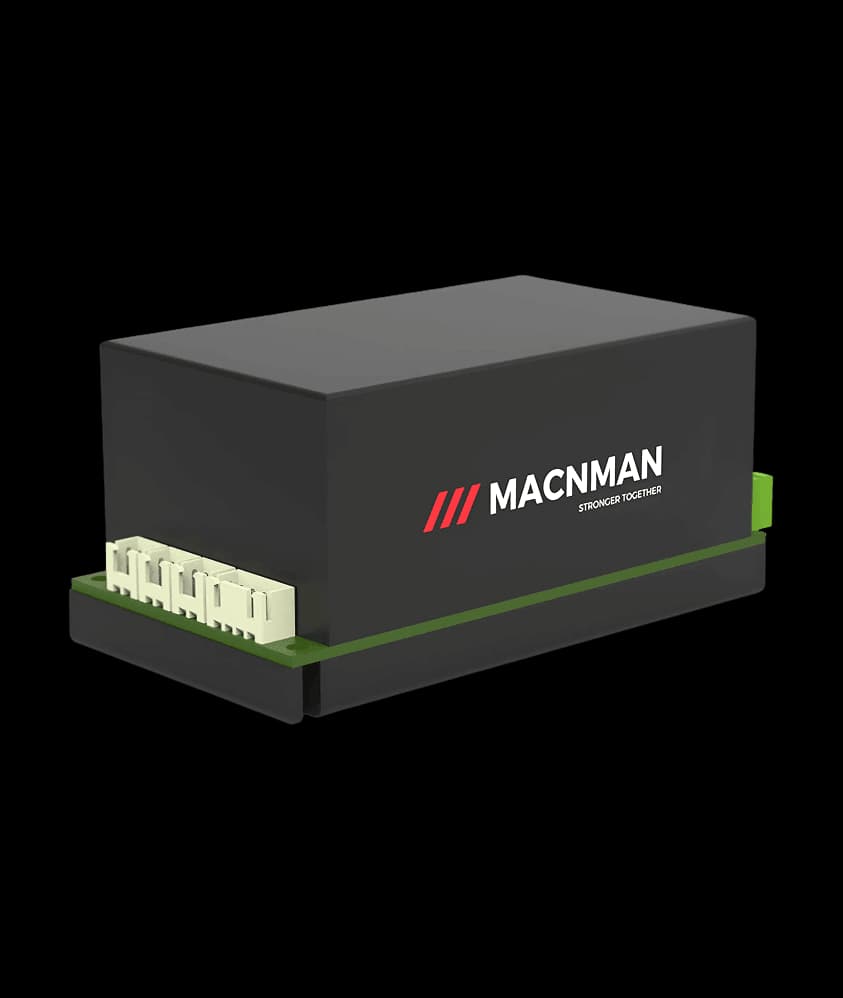
LoRaWAN · Wi-Fi · BLEOne indoor gateway, many floors
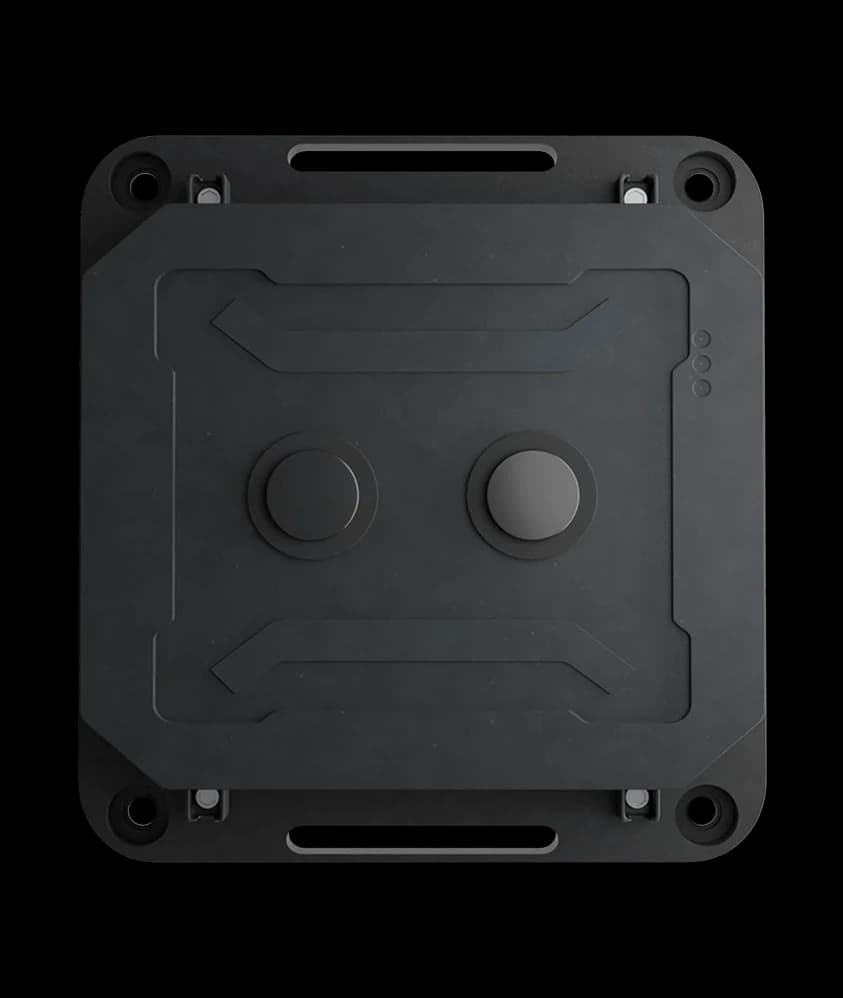
Multi-Year BatteryWall sensors with no cable to run
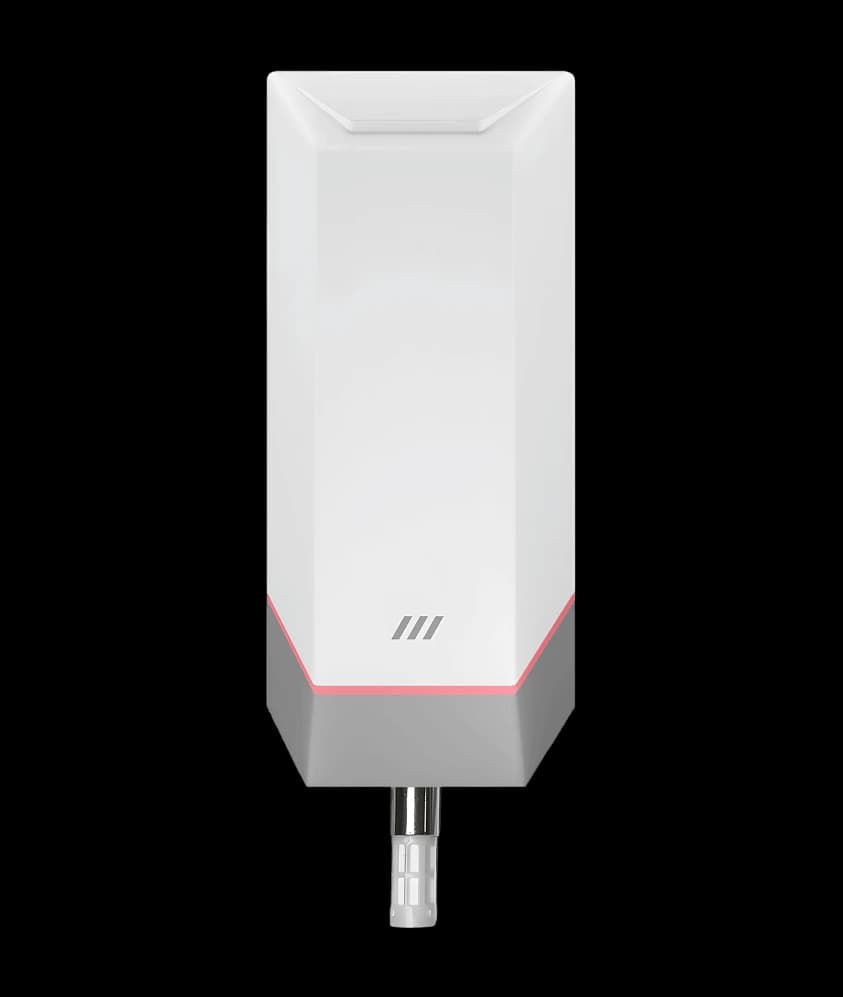
Open BMS IntegrationModbus · MQTT · any LNS
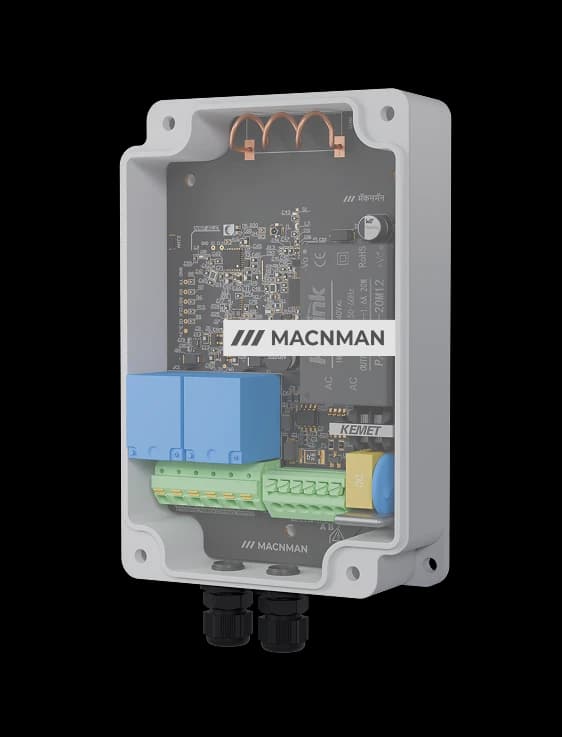
Switch From AnywhereMacSet relays for fans, pumps, lights
In plain terms
What Is a Smart Building IoT Solution, and How Does It Relate to a BMS?
A smart building IoT solution puts wireless sensors in the rooms, plant areas and basements of an office, hospital, hotel or campus, so air quality, occupancy, energy, temperature and water levels reach the facility team automatically, and fans, pumps and lights can be switched from the same dashboard.
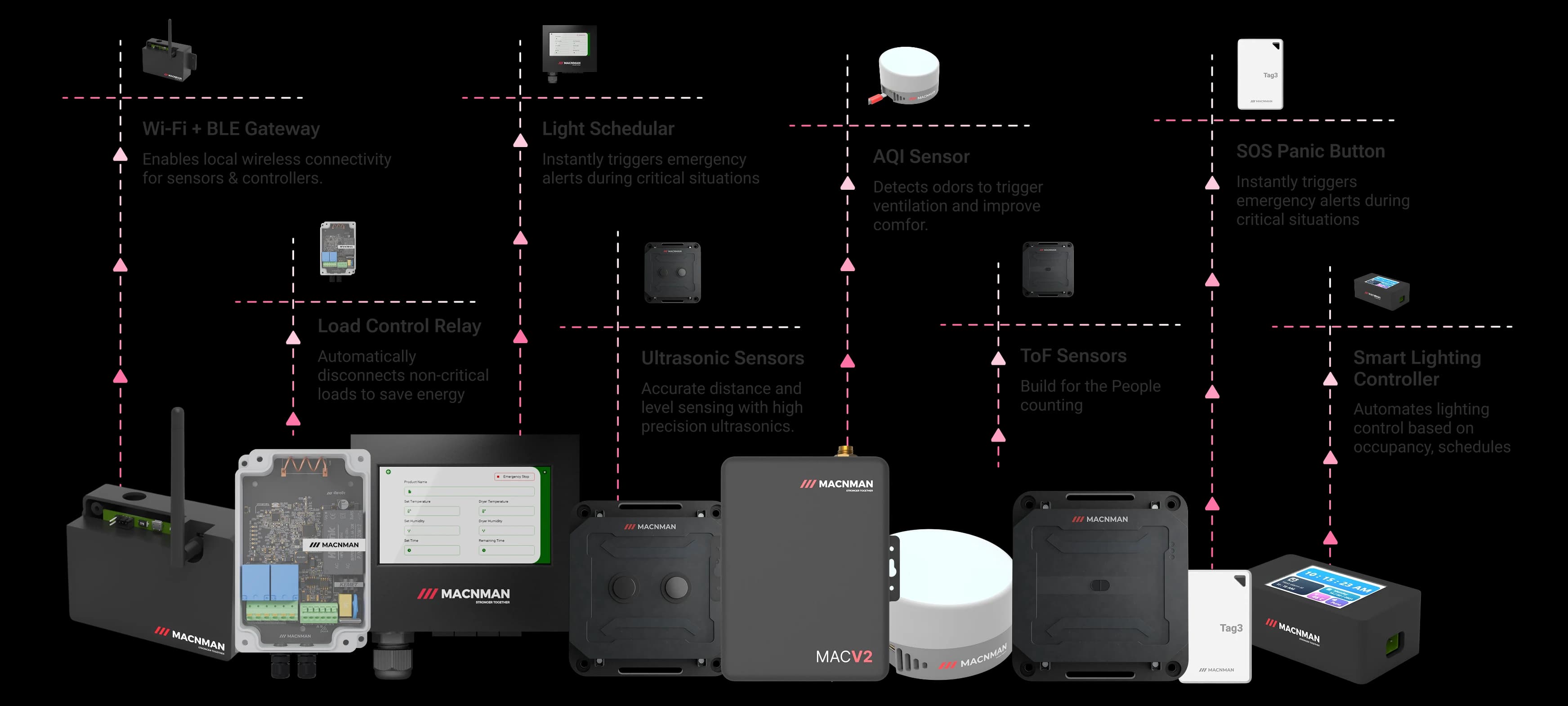
Macnman builds the hardware for it: indoor sensors, Modbus converters for the meters and the BMS, controllers and indoor gateways on open standards, so the data goes to the platform you choose.
Designed and made in Pune, India
LoRaWAN, Wi-Fi and Bluetooth LE
No mandatory subscription
Your building
Your BMS or dashboard
Sense
CO₂, climate, people, level
Convert
Energy meters, BMS Modbus
Control
Fans, pumps, lighting
Connect
LoRaWAN, Wi-Fi, BLE
Integrate
MQTT, HTTPS, BMS
Your BMS or dashboard
Five steps from the room to the screen. Macnman makes the hardware for the first four; the fifth is the BMS or dashboard you already use or choose.
The problem
Problems Facility Teams See Every Day, and the Sensor That Shows Each
Buildings waste energy on empty floors, run HVAC on a timer instead of on the people inside, and learn about a stuffy meeting room or a wet basement from a complaint. Each one is a measurement that is not being taken.
High Energy Consumption
High Energy Consumption
HVAC and lighting run on timers, not on occupancy
One meter at the incomer cannot say which floor, tenant or chiller uses the energy. A converter reading the sub-meters already fitted on each feeder turns a monthly bill into consumption you can act on, floor by floor.
CO₂ in a full meeting room climbs well above the outdoor level within the hour, and it is the clearest sign that the room is under-ventilated for the people in it. A CO₂, temperature and humidity sensor on the wall reports every few minutes, so ventilation follows the reading instead of the complaint.
Cleaning rounds on a fixed schedule, odor noticed too late
An ammonia and hydrogen sulphide sensor reports the odor level and a people counter reports the footfall, so cleaning is dispatched when a washroom needs it, not when the rota says so.
Temperature and CO₂ readings per zone, with a controller that switches fans and pumps on a threshold or a schedule, turn HVAC from reactive to measured. The BMS keeps control; it just sees more.
Need sensors for an office, hospital, mall or campus?
Tell us the building type, the floors and basements, the BMS or dashboard in use and whether you are the facility manager, the FM company, the integrator or the builder. A product engineer replies within one working day with the kit for a pilot floor.
Reply within one working day
Designed and built in Pune, India
WPC compliant, RoHS conformant
Air, people, energy, water and plant, with the hardware behind each
Key Smart Building IoT Applications
01 / 07
HVAC Monitoring & Plant Control
Threshold Rules
Automated Comfort
Climate Control
People Counting & Occupancy Monitoring
Real-Time Occupancy
Space Utilisation
Capacity Planning
Indoor Air Quality Monitoring
Healthy Air
CO₂ per Zone
Occupant Comfort
Energy Monitoring & Sub-Metering
Feeder-Level kWh
Usage Visibility
Energy Efficiency
Indoor Asset Tracking (Bluetooth Tags)
Precise Location
Asset Visibility
Loss Prevention
Sub-Metering of Existing Meters
Accurate Billing
Remote Monitoring
Consumption Insights
Lighting & Common-Area Switching
Centralised Control
Operational Efficiency
Scalable Systems
Tell us the building and the floors — we will specify the hardware.
Start from the job, not the catalogue. Each row is a monitoring or control task found in most commercial buildings, with the Macnman device that does it and the network it runs on.
Indoor air quality
CO₂, temperature and humidity in offices, classrooms and meeting rooms
Hover a device to see its name; click it to open the product page, or the datasheet where there is no page yet. If your application is not listed, tell us what you want to measure and we will say what fits.
The hardware
Macnman's IoT Devices Built for Air, People, Energy and Plant in Buildings
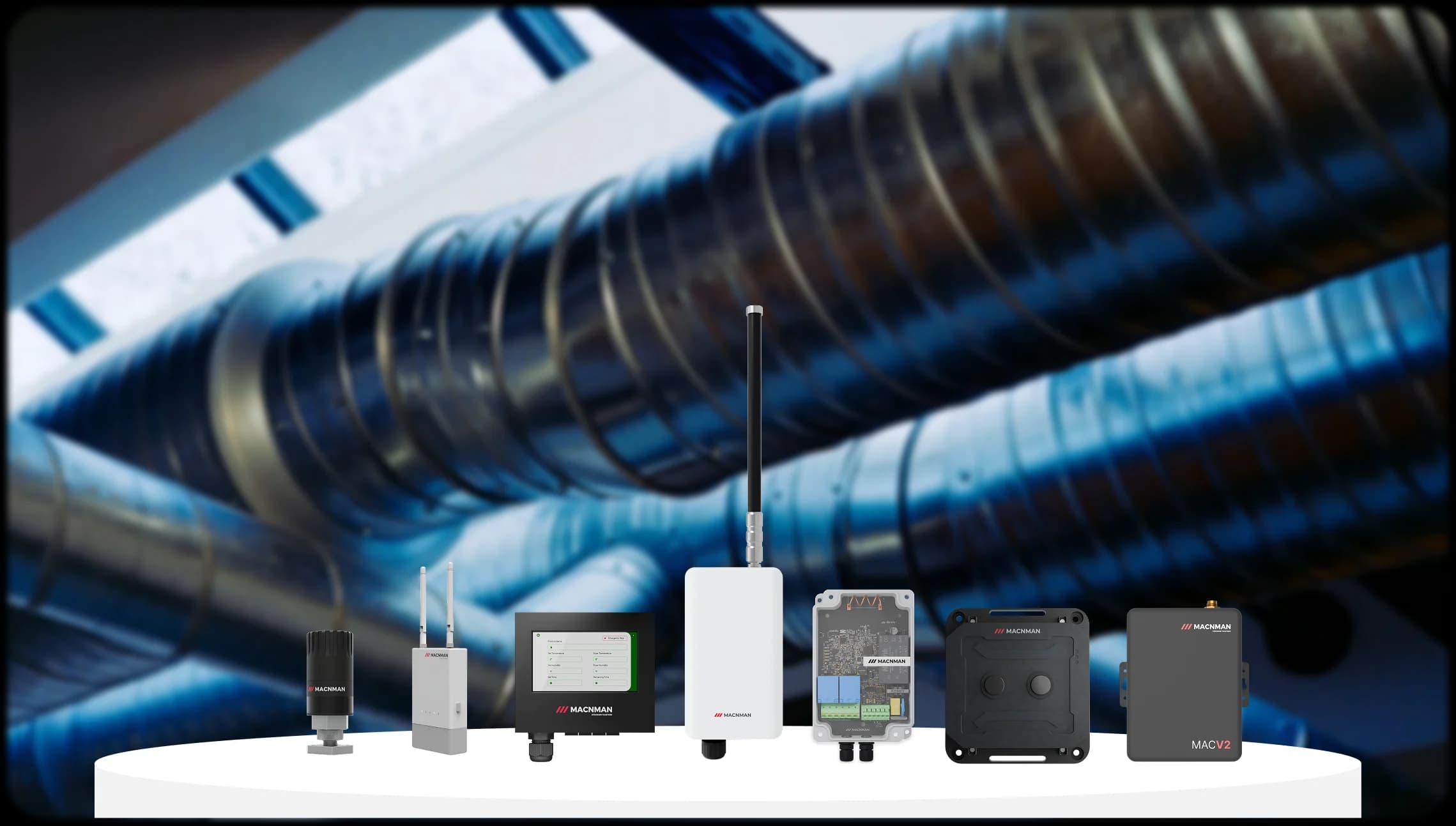
Four device families cover the path from the room to your BMS or dashboard, all designed and manufactured by Macnman in Pune.
01 · SENSE
Indoor sensors
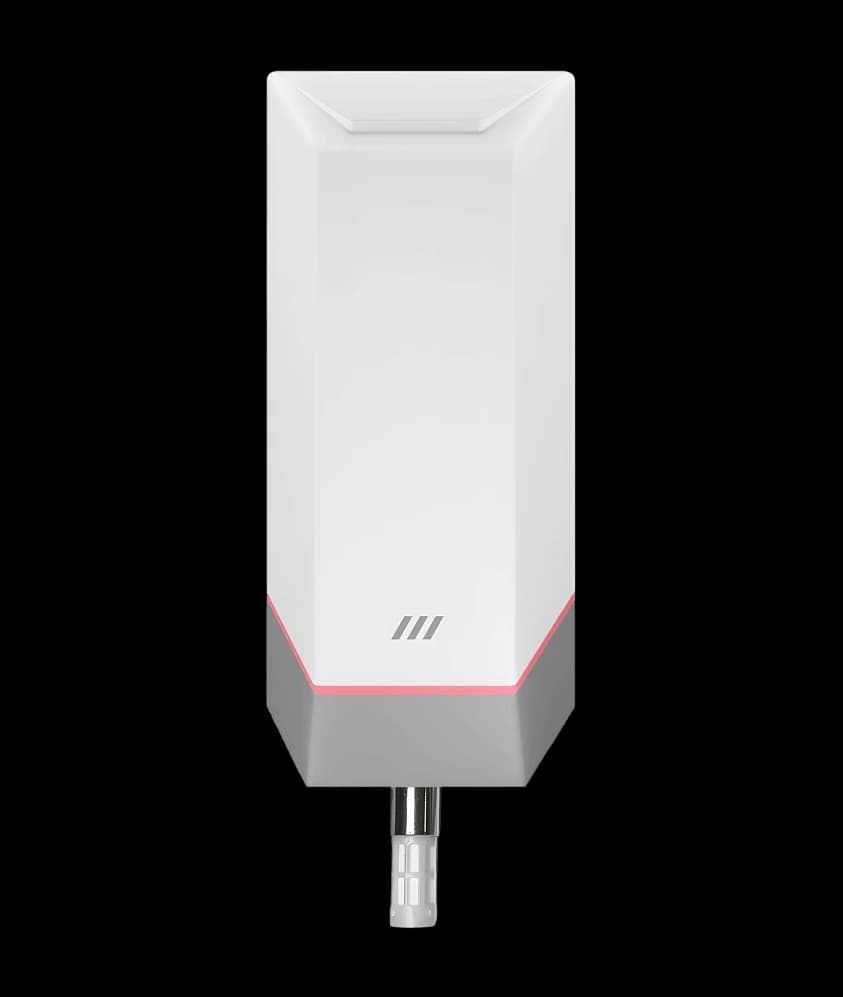
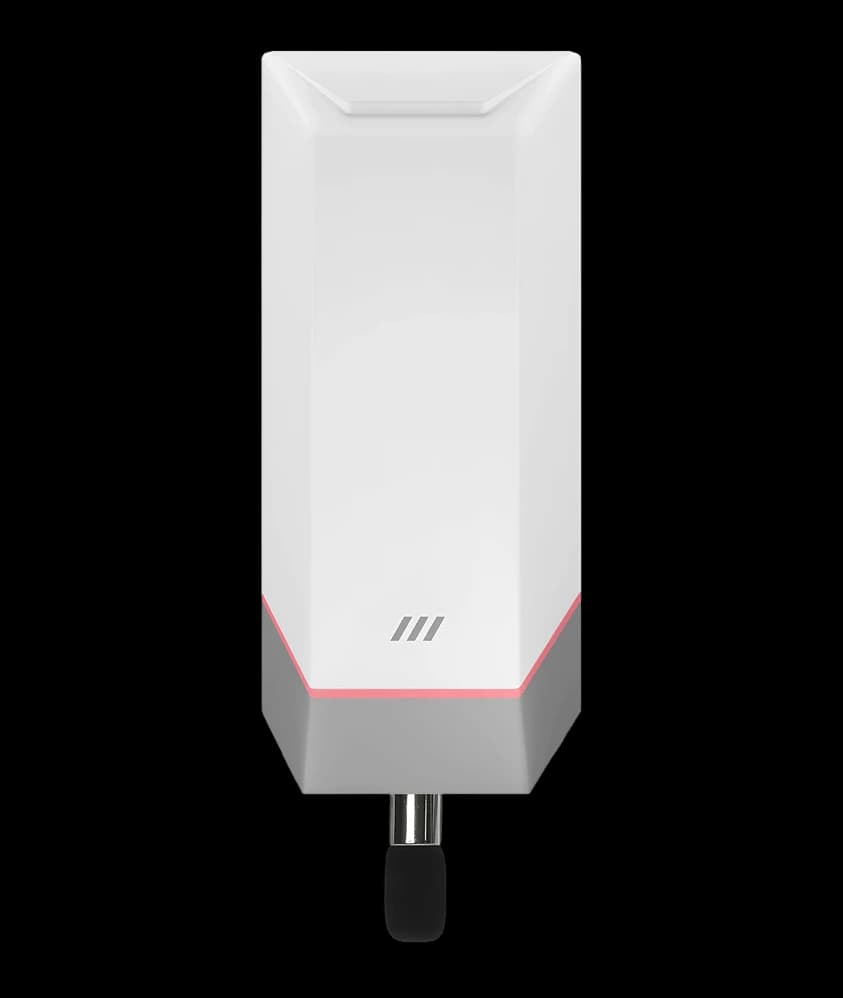
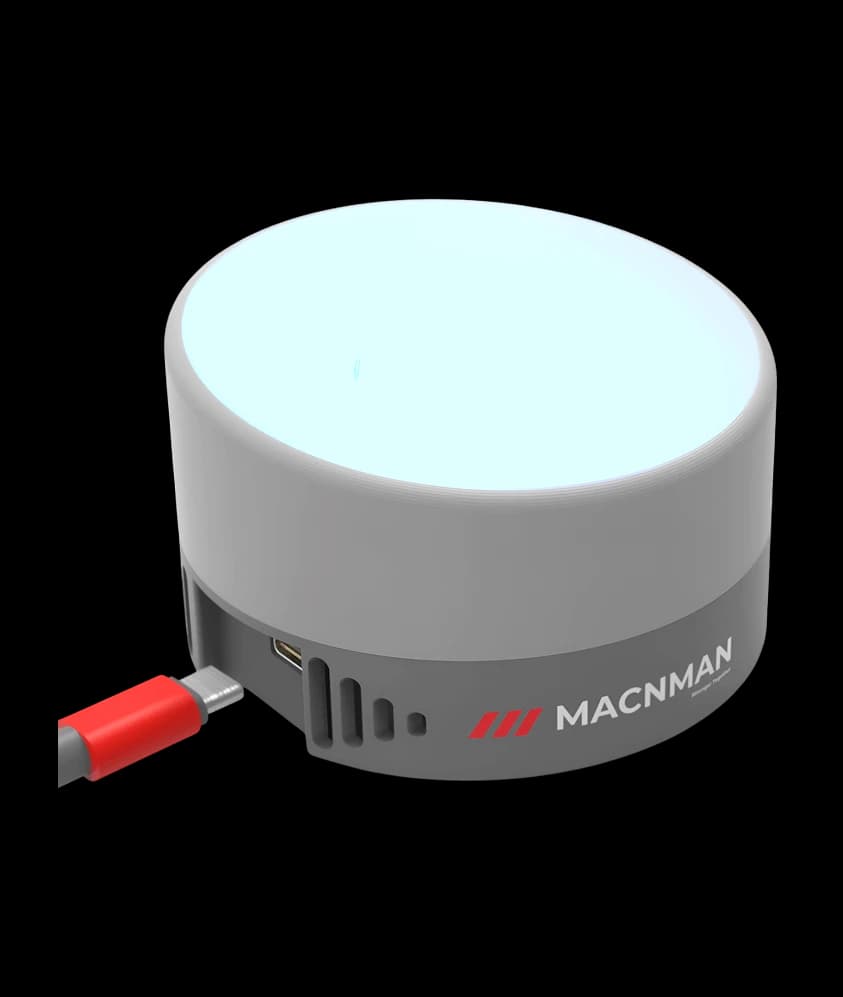
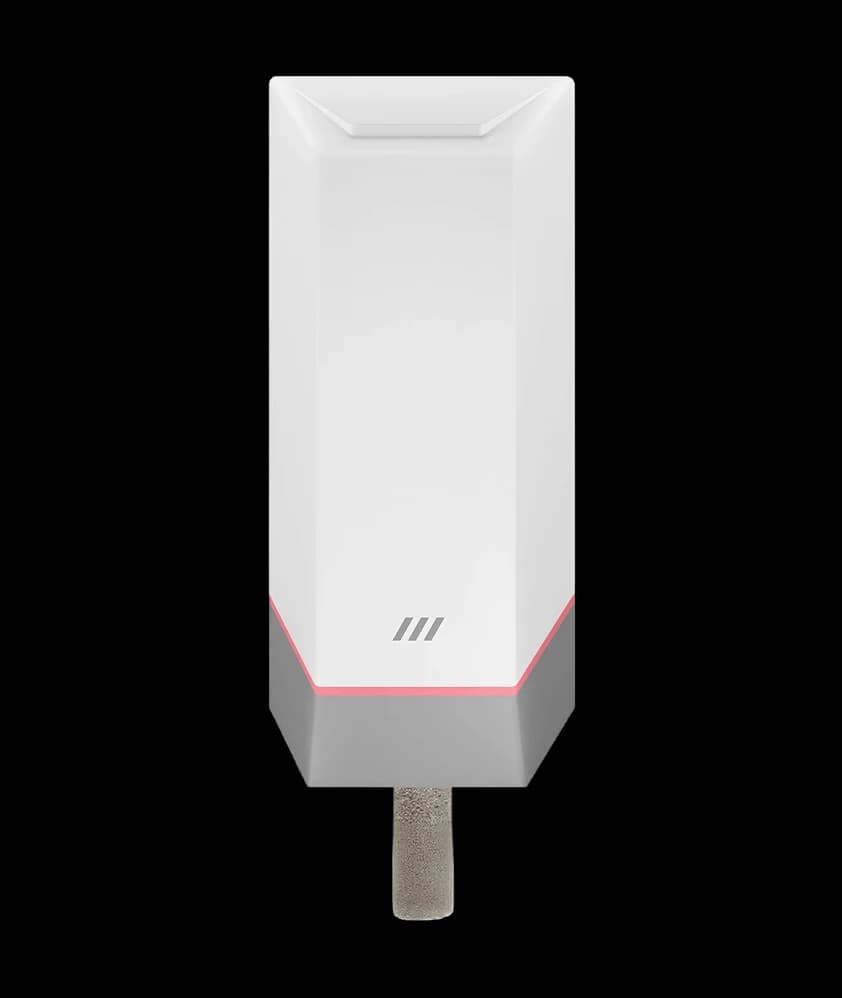
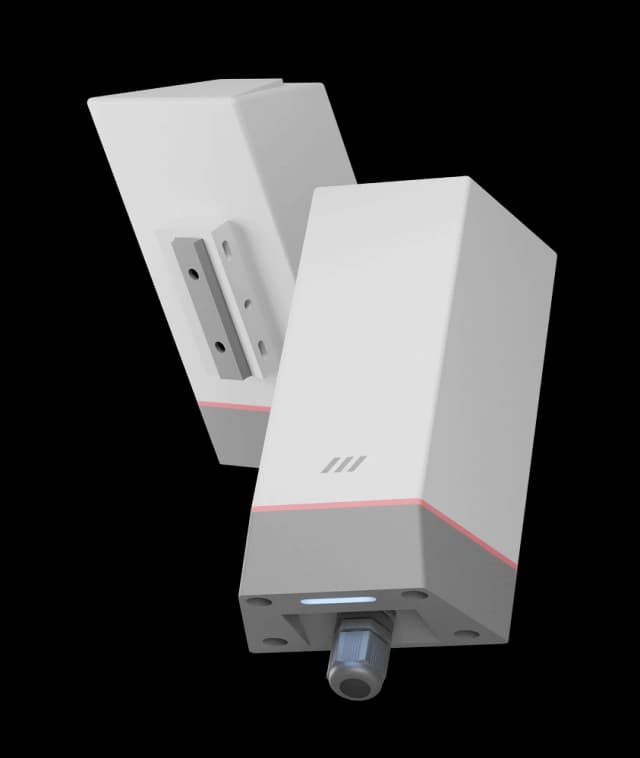
CO₂, temperature, humidity, odour and noise on a battery that lasts for years, on LoRaWAN or the building's own Wi-Fi; the people counter runs from mains with a backup battery.
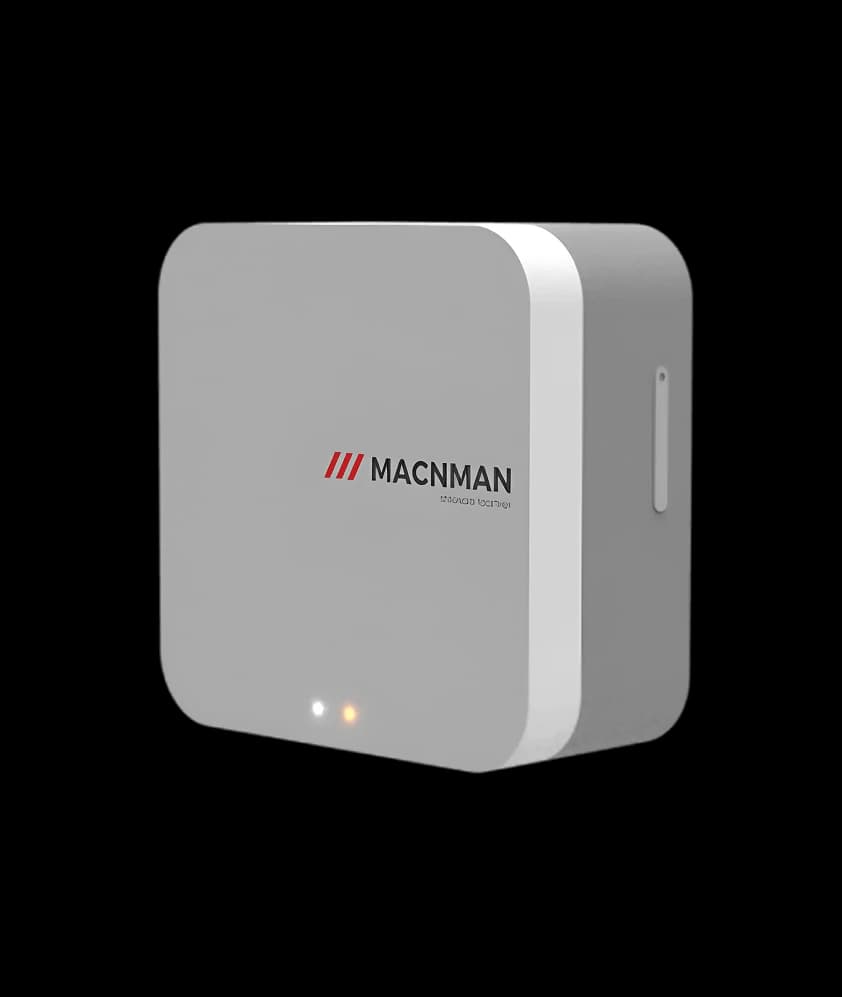
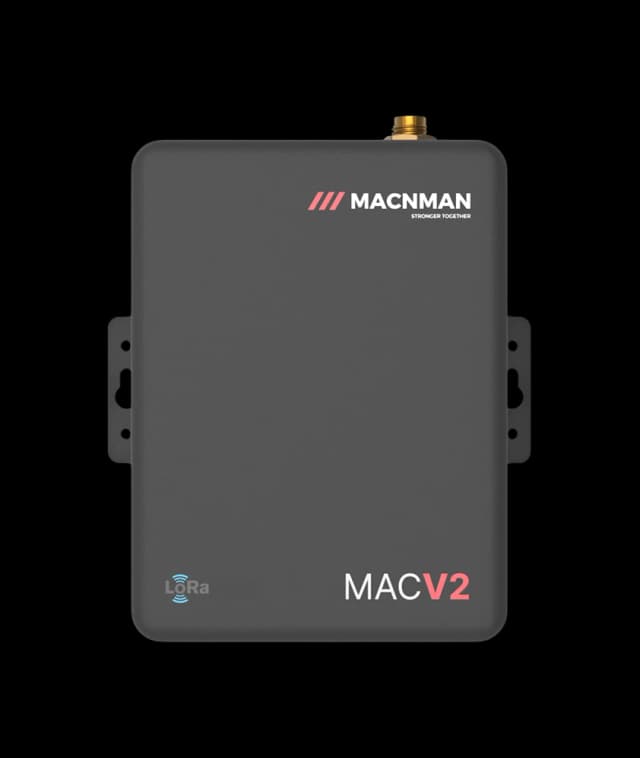
Read the energy meters, chillers, AHUs and drives already on site. One converter takes RS485 Modbus, 4–20 mA and 0–10 V signals and sends them over LoRaWAN or Wi-Fi to the BMS or an MQTT broker.
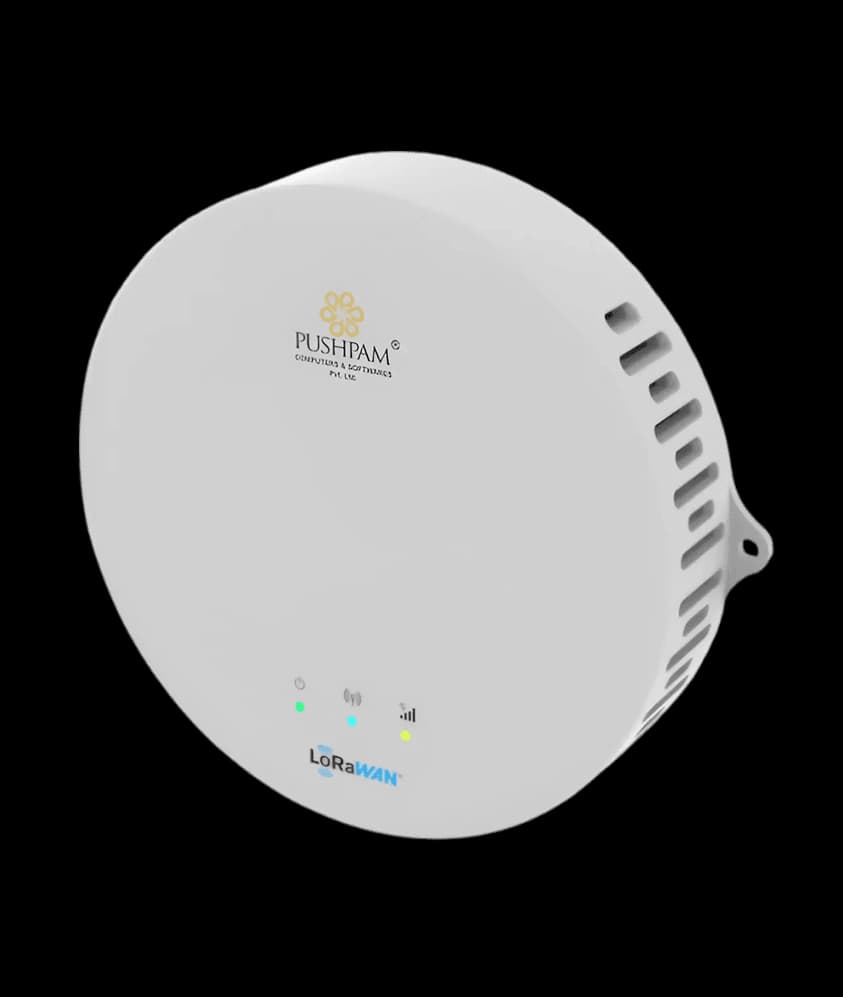
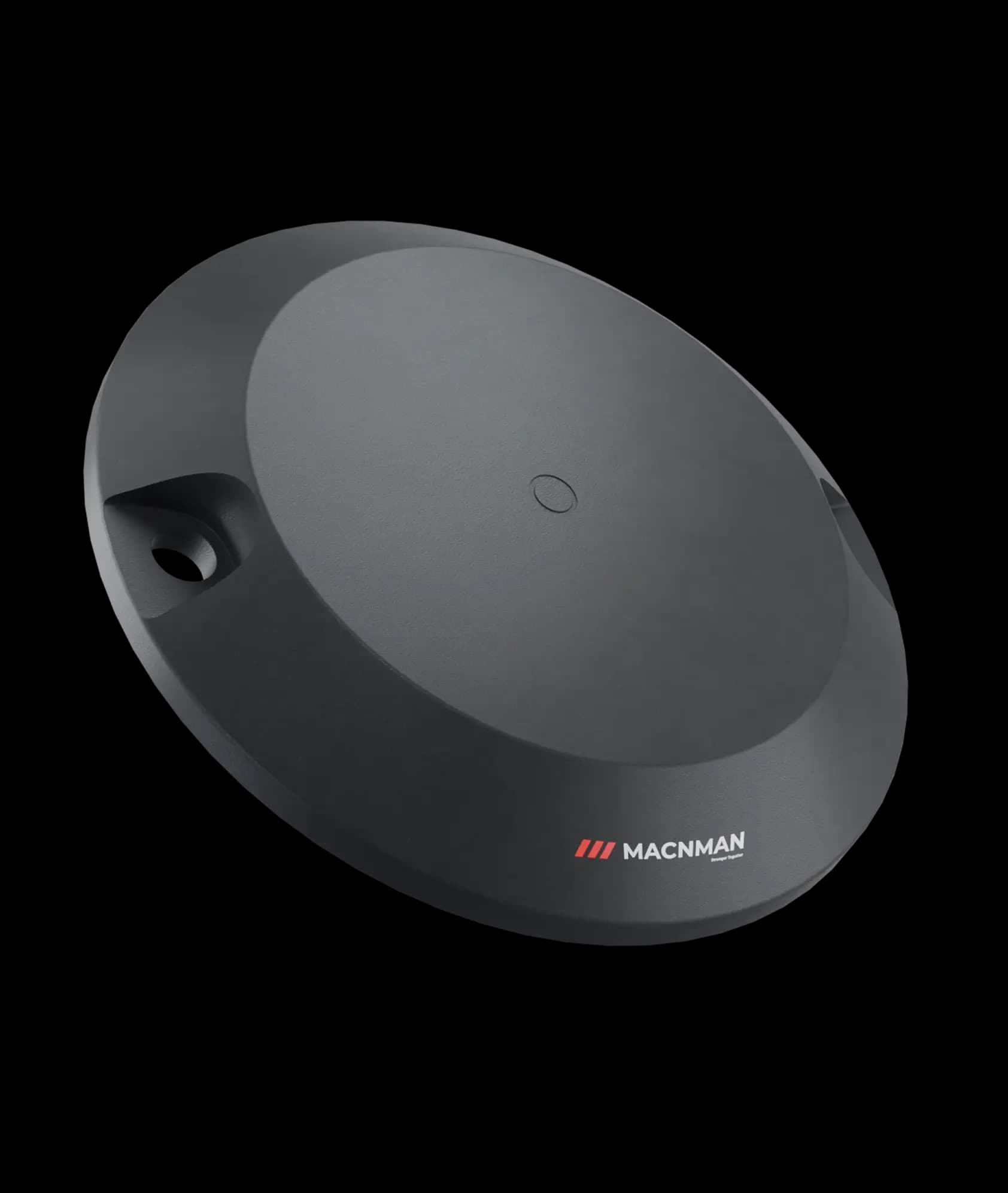
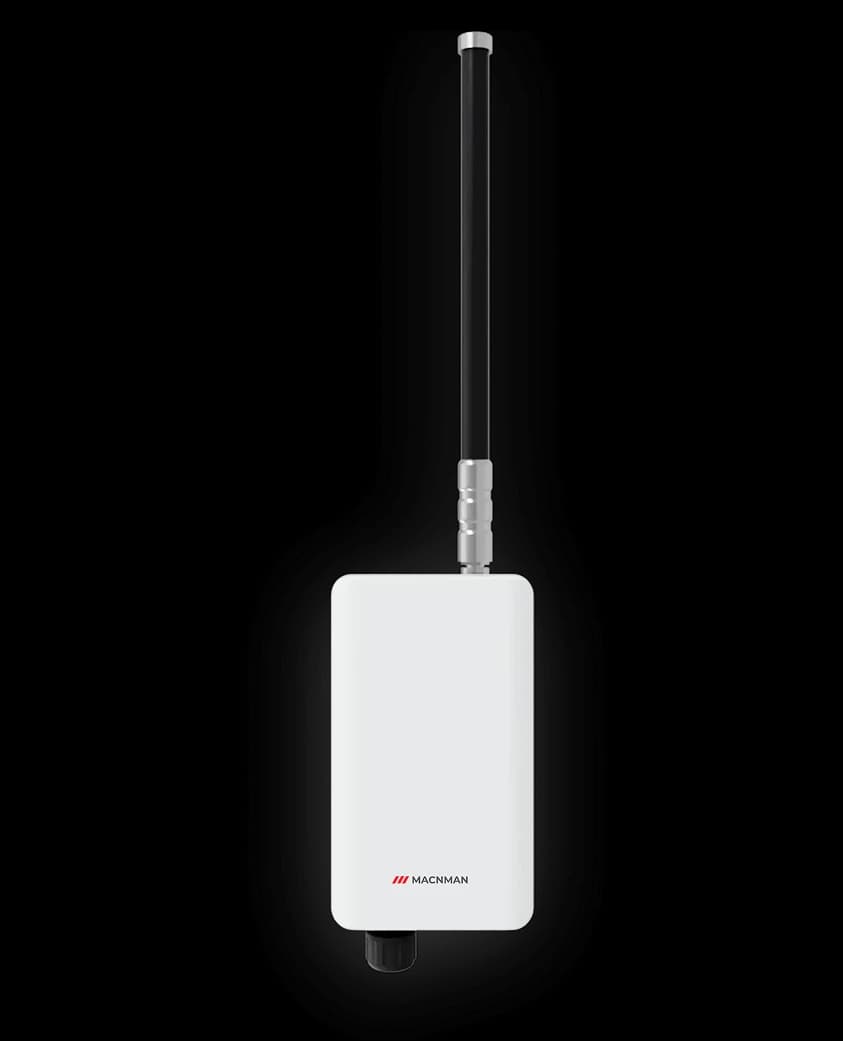
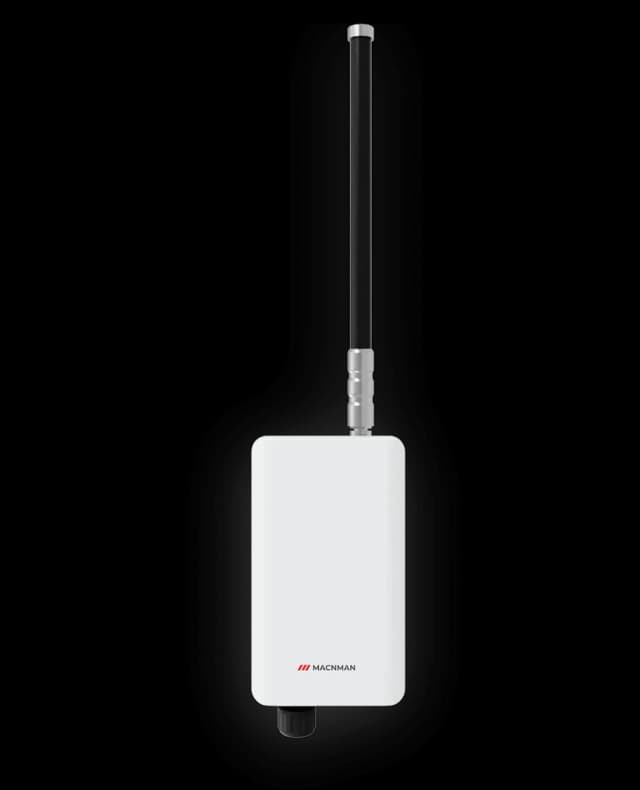
An indoor LoRaWAN gateway covers several floors and the basement; an outdoor one covers the campus; a BLE to Wi-Fi gateway places Bluetooth tags per zone.
Macnman's Smart Building IoT Sensors & Controllers
Air, people, energy, water and plant for offices, hospitals, hotels and malls
CO₂, temperature and humidity sensors on the wall of each meeting room, classroom and open floorreport every few minutes over LoRaWAN or the building's Wi-Fi,and an odour sensor covers the washrooms.A reading above the threshold you settells the BMS or the facility team to ventilate the room, not the whole floor.
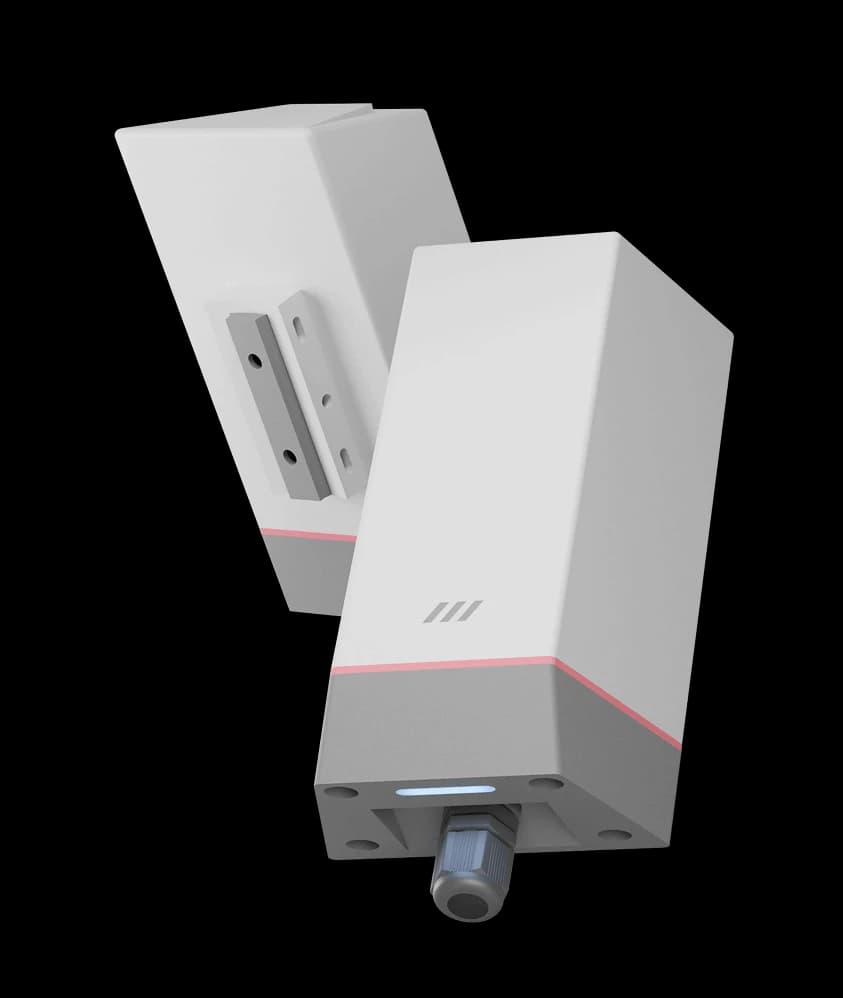
Lighting & Common-Area Switching: MacSet controllersswitch corridor, car park, façade and campus lighting circuitson a schedule, on a cycle or from a sensor input, and report run status and faults.The rules run on the controller,so a lost link does not leave a car park dark.
People Counting & Occupancy: A MacRay ToF sensor over the doorcounts people in and out with an infrared time-of-flight grid, without a camera,and presence sensing covers a room or a zone.Meeting-room utilisation, cleaning and HVACthen follow who is actually there, not the booking calendar.
Energy Sub-Metering: MacSync converters readthe energy meters already fitted on tenant, floor and chiller feeders over RS485 Modbusand send kWh, demand and power factor on the interval you set.No meter is replaced,and each tenant's feeder can go to the tenant's own dashboard.
HVAC Monitoring & Plant Control: Zone temperature and CO₂ from the sensors, chiller and AHU registers from the Modbus converter,and a MacSet controller that switches fans and pumps on a threshold or a schedule.The BMS keeps its logic;the wireless points add what it never had,from the plant room to the sixth-floor meeting room.
Connectivity & Gateways: An indoor Setu X1 LoRaWAN gateway covers several floors and the basement,the building's Wi-Fi carries the converters and sensors inside coverage,and a Setu WX1 BLE to Wi-Fi gateway places Bluetooth asset tags per zone.Every path ends in MQTT or HTTPSinto the BMS, the IBMS or the dashboard you already run.
Applications
What Can You Monitor and Control in a Building?
A smart building is built one application at a time. Pick one to see what it measures and the hardware behind it.
Energy Sub-Metering for Tenants, Floors and Chillers
Most buildings meter energy at the incomer and apportion the rest. An energy monitoring system starts with the sub-meters already fitted: a MacSync converter reads their Modbus registers on each floor, tenant feeder and chiller, and sends kWh, demand and power factor at the interval you set. On Wi-Fi the converter buffers 30,000 records through a network outage; on LoRaWAN one indoor gateway serves the whole block.
Indoor Air Quality Monitoring: CO₂, Temperature and Humidity
CO₂ is the clearest sign that a room is under-ventilated for the people in it. The MacSync CO₂ sensor reports CO₂, temperature and humidity every few minutes, factory calibrated, on a battery or a DC supply, and raises an event when a threshold is crossed. Wi-Fi variants suit a floor that already has access points; LoRaWAN variants reach basements and plant rooms.
People Counting and Occupancy Monitoring Without a Camera
The MacRay ToF sensor counts people in and out of a doorway and senses presence in a room using an infrared time-of-flight grid, so there is no camera and no identity. The 2×2 and 4×4 models run on a battery for years; the 8×8 model takes DC power for high-resolution counting. Occupancy feeds space planning, cleaning schedules and HVAC demand.
A washroom is judged on odor and cleanliness, and both are measurable. The MacSync odor sensor reports ammonia and hydrogen sulphide levels, a people counter at the door reports footfall, and a door sensor records cubicle use. Cleaning is dispatched when a threshold is crossed or a footfall count is reached, and the record shows it was done.
Zone temperature and CO₂ from the sensors, chiller and AHU data from the Modbus converter, and a MacSet controller that switches fans, pumps and dampers' drives on a threshold or a schedule. The rules run on the controller itself, so they hold when the network does not, and the BMS stays in charge of what it already controls.
Corridor, car park, façade and campus lighting circuits are switched by a MacSet controller on a schedule, on a cycle or from a sensor input, and the run status reports back so a circuit left on overnight is visible. Two 16 A relays per LX1, eight outputs per LX2, with digital inputs for feedback and faults.
Overhead tanks that run dry and sumps that overflow are both level problems. The MacRay LUS X1 ultrasonic sensor reads the level from above without touching the water, and a MacSet controller starts and stops the pump on a high or low threshold. Leak and flood detectors with a relay output report through the controller's digital inputs.
Server Room, Cold Room and Pharmacy Temperature Monitoring
A server room, hospital pharmacy or canteen cold room needs a continuous temperature and humidity record, not a clipboard. Wi-Fi sensors join the network already there and keep logging on board through an outage; LoRaWAN sensors cover the basement and plant rooms Wi-Fi does not reach. For chillers, boilers and pipework, a PT100 probe reports through the Wi-Fi RTD sensor.
A geomagnetic sensor in each bay reports occupied or free within seconds of a car arriving or leaving, over LoRaWAN to the indoor gateway, so guidance displays, visitor allocation and billing run on real occupancy. The sensor is sealed to IP68 and runs for years on its battery.
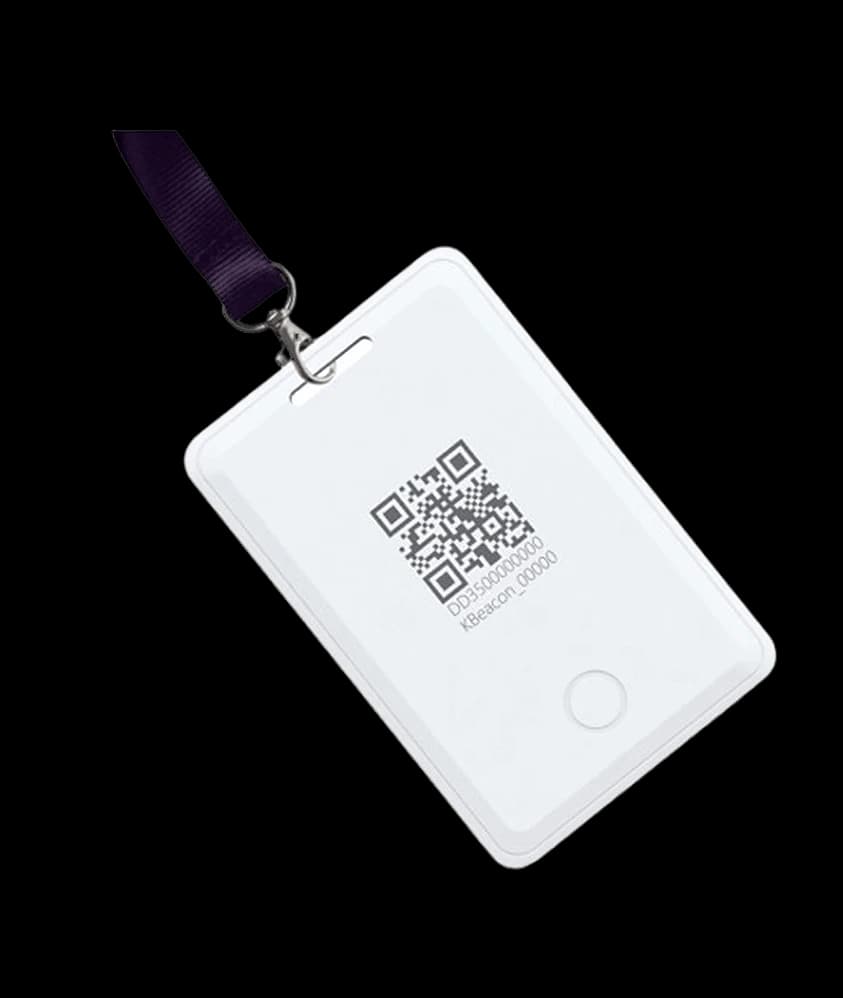
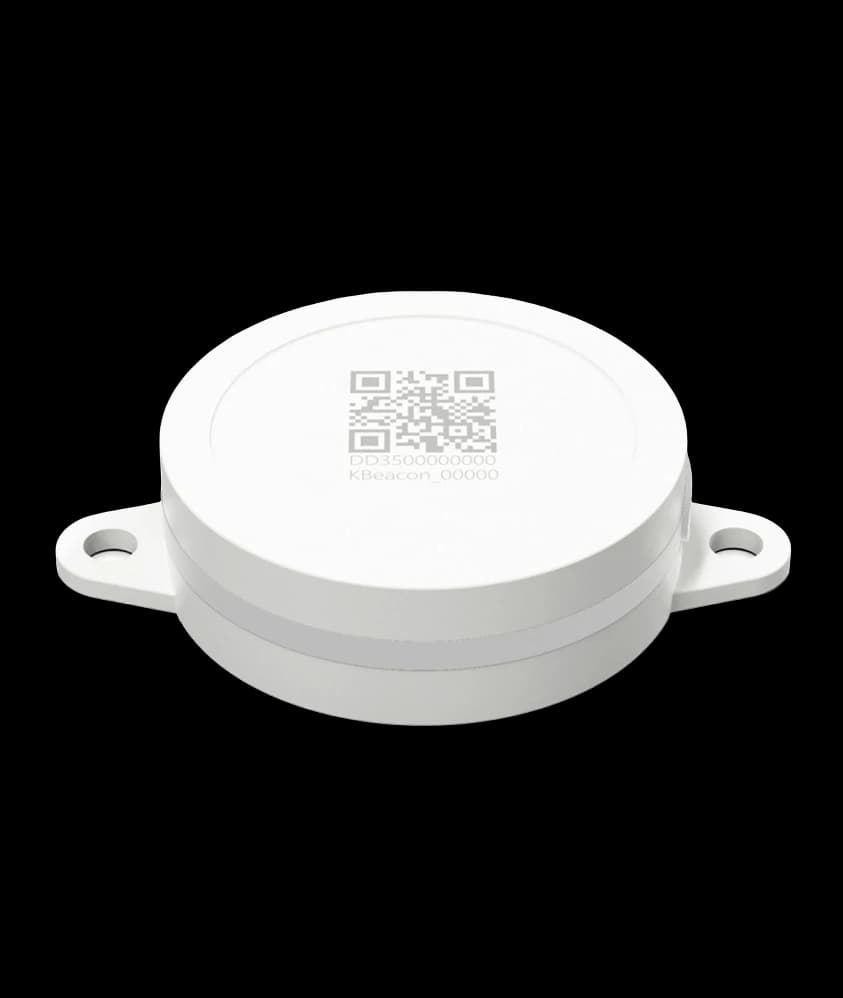
Wheelchairs, portable pumps, test instruments and IT equipment are searched for by hand more often than anyone admits. Bluetooth tags broadcast movement and shock, and a BLE to Wi-Fi gateway per zone places each tag on the floor plan over the building's own network, so a search becomes a lookup.
End-to-End Smart Office & Smart Building IoT Product Portfolio
Scalable building automation hardware including IAQ sensors, energy meters, people counters, HVAC controllers, safety systems, and IoT gateways for modern offices
Why projects stall
What Stops a Building IoT Project, and What Removes It
Facility teams already know what they want to see. What stops them is the cost of getting a reading from a room on the sixth floor to the screen in the control room.
What stops itWhat removes it
01
01Cabling in a finished buildingEvery new sensor means a ceiling opened and a cable pulled.
What removes it: Battery-powered wireless sensors stick to the wall and report for years with no cable at all.
02
02The BMS cannot see itMeters and plant beyond the BMS cabling were never connected.
What removes it: They have RS485 Modbus or a 4–20 mA output, and a converter reads that into the BMS or a broker.
03
03Rooms counted by booking, not by peopleThe calendar says occupied; the room is empty.
What removes it: A people counter over the door reports who is actually there, without a camera.
04
04Basements beyond Wi-FiPlant rooms, car parks and tanks sit where access points do not reach.
What removes it: One indoor LoRaWAN gateway covers floors and basements that Wi-Fi never did.
05
05Tenants want their own dataA single building dashboard cannot be shared by tenant.
What removes it: Open MQTT and HTTPS send each feeder's data to whichever platform the tenant uses.
06
06Platforms that lock you inDevices tied to one vendor's cloud make the data hard to move.
What removes it: Open LoRaWAN, MQTT and HTTPS send it wherever you decide.
Integration
How Do You Add Sensors to an Existing Building Without Rewiring It?
Use wireless sensors for the rooms and converters for the plant. Battery-powered LoRaWAN or Wi-Fi sensors go on the wall with no cable, and a MacSync converter wired to the Modbus port of the energy meters, chillers and AHUs already on site reads them into the BMS or a broker. One indoor gateway typically covers several floors and the basement.
This is the lowest-risk way into building IoT, because the converter only reads unless you choose to send a write, and nothing changes in the BMS logic. Start with one floor or one plant room, run it on your own BMS, broker or dashboard, and extend the same network floor by floor.
Wireless sensors
CO₂, temperature, humidity, odor, noise, people counting and level, on a battery that lasts for years, reporting over LoRaWAN or the building's Wi-Fi.
RS485 Modbus RTU
Energy meters, chillers, AHUs, VFDs and generator controllers. Registers are read on a schedule and can be written from the server.
4–20 mA and 0–10 V
Plant transmitters and analysers already in the field; the converter can power the sensor and reads it at 12-bit resolution.
Where the data goes
Any LoRaWAN network server, an MQTT broker or an HTTPS endpoint, on-premise or hosted, with no mandatory subscription.
IoT and the BMS
IoT Sensors and Your Building Management System (BMS): Do You Need Both?
A building management system controls the plant it was wired to. Wireless IoT sensors reach the rooms, meters and basements it was never wired to. Most buildings end up with both, and this is how the work divides.
Compare
Building management system (BMS)
Wireless IoT sensors (Macnman)
Together
The job
Controls chillers, AHUs, pumps and lighting through wired controllers
Measures air, people, odour, level, temperature and energy where no cable runs
The BMS keeps control; the sensors tell it what each room and feeder is doing
Where it reaches
Plant rooms and the points on its field bus
Any room, washroom, tank, basement or tenant feeder, on a battery
Every floor and the basement on one indoor LoRaWAN gateway, plus the plant on the bus
Adding a point
A controller input, a cable, a ceiling opened and a programming visit
A sensor on the wall, set up from a phone; no cable, no BMS change
New points arrive as MQTT or HTTPS tags the BMS or dashboard subscribes to
Data
Setpoints, statuses and alarms from its own controllers
CO₂, temperature, humidity, people counts, odour level, tank level, kWh per feeder
One history: plant and rooms side by side
Control
Closed-loop control of HVAC and plant
MacSet relays switch fans, pumps and lighting circuits on thresholds and schedules
Supervisory rules on the wireless points; the BMS loops stay as they are
If the network drops
Keeps running on its controllers
Controllers keep local rules; the Wi-Fi converter stores 30,000 records and forwards them later
Nothing stops; gaps are filled when the link returns
Is it mandatory
Not for a small building; many run without one
Works with a BMS, with a dashboard, or with a plain MQTT broker
A building without a BMS can start with sensors and a dashboard and add control later
Wireless IoT does not replace the BMS and should not carry fire, life-safety or fast closed-loop control. It adds the points the BMS never had.
Integration
How Macnman Devices Connect to a BMS, Step by Step
Six steps from a sensor on the wall to a point on the BMS graphic. An integrator can do the first five from the published documents before a single device is mounted.
01
Device to gateway
LoRaWAN sensors and converters join an indoor Setu X1 or an outdoor MacLink Gen-2 gateway; Wi-Fi devices join the building's SSID and publish MQTT or HTTPS directly.
02
Network server, on-premise or hosted
ChirpStack runs on the gateway or on a server in the building, or the devices register on The Things Stack or another hosted server. The building holds the keys.
03
Decode the payload
The published decoders on GitHub turn each uplink into named fields with units: co2_ppm, temperature_c, humidity_pct, people_in, level_cm, kwh.
The network server, or the Wi-Fi device itself, publishes MQTT or HTTPS. A BMS or IBMS with an MQTT or REST driver subscribes directly; one that speaks only BACnet takes the feed through a third-party protocol gateway or the integrator's middleware. Macnman devices do not speak BACnet natively.
05
Name the points and set the alarms
Each field becomes a point with a name, a unit and a stale-data alarm, so a sensor that stops reporting is seen as a fault, not as a flat line.
06
Pilot one floor, including an outage
Run one floor for a few weeks on the real BMS, pull the WAN cable once to see the stored records arrive afterwards, then add floors to the same gateway.
Choosing a network
LoRaWAN, Wi-Fi or Bluetooth LE: Which Network Inside a Building?
Most buildings end up with more than one, and that is fine. The right network depends on where the point is and what it has to carry.
Compare
LoRaWAN
Wi-Fi
Bluetooth LE
Infrastructure
An indoor gateway per block, or an outdoor gateway per campus
The access points already installed
A BLE to Wi-Fi gateway per zone
Typical reach
Several floors and the basement from one indoor gateway
Up to about 100 m indoors per access point
A zone or a room around each gateway
Power
Years on a battery
Years at 15-minute or longer intervals, less at fast rates
Years on a coin or AA-size cell in the tag
Best for
Sensors spread across floors, plant rooms and car parks
Sensors and converters inside good coverage, with larger payloads
Movable assets and beacons
Data goes to
Any LoRaWAN network server
An MQTT broker or HTTPS endpoint
The gateway forwards tag data over Wi-Fi
LoRaWAN bands: IN865 for India and EU868 for Europe, plus US915, AU915 and RU864, with KR920 and AS923 on selected products. Wi-Fi devices use dual-band 2.4 GHz and 5 GHz with WPA2 and WPA3.
Smart Building IoT Architecture: Sensor, Gateway, Network Server and BMS
Four stages. The first is the building you already run and the last is the BMS or dashboard you choose; Macnman builds what sits between them.
01
Your building
Floors, meeting rooms, washrooms, plant rooms, tanks, car parks and the meters and HVAC already installed.
02
Devices
Sensors measure air, people, climate and level; MacSync converters read Modbus and analog plant; MacSet controllers switch.
Made by Macnman
03
Network
An indoor LoRaWAN gateway, the building's Wi-Fi, or a BLE to Wi-Fi gateway for tags.
Gateways by Macnman
04
Your BMS or dashboard
A LoRaWAN network server, MQTT broker, BMS, IBMS or cloud dashboard, on-premise or hosted.
Readings travel from the building to the platform. Commands, such as a relay switch or a register write, travel back the other way.
Choosing a radio
Where LoRaWAN Beats Wi-Fi in a Building, and Where It Does Not
Wi-Fi is already there, which makes it the obvious first choice. It stops being the right one where the access points do not reach or where a sensor must run for years on a battery.
Compare
LoRaWAN
Wi-Fi
Basements, plant rooms and car parks
Covered by one indoor gateway
Usually beyond the access points
Hundreds of battery sensors
Years per battery, 2,000+ devices per gateway
Shorter life at fast rates; each device is a Wi-Fi client
Energy meters and BMS plant
Small payloads; fine for scheduled register reads
Larger payloads; many registers at once
IT involvement
Your own gateway on a separate network
Access to the building's SSID and IT approval
Recurring cost
None per device on a private network
None beyond the existing Wi-Fi
Many buildings run both: LoRaWAN for the sensors spread across floors and basements, Wi-Fi for the plant and meters inside coverage.
Indoor Air Quality and Energy Data for LEED, WELL, IGBC and ASHRAE 62.1
Green building frameworks ask for measured indoor air and energy data. The devices on this page supply the measurements; the certifying body decides the credit against the current version of its standard.
Framework
What it looks at, in broad terms
Data a Macnman device supplies
ASHRAE 62.1 (ventilation for acceptable indoor air quality)
Ventilation rates for occupied spaces; demand-controlled ventilation schemes commonly use CO₂ as the occupancy signal
CO₂ per zone from the MacSync LCO2 X1, 400 to 5,000 ppm, ±(50 ppm + 5 % of reading), with temperature and humidity
LEED (indoor environmental quality and energy credits)
Enhanced indoor air quality strategies, including CO₂ monitoring in densely occupied spaces, and building-level energy metering
CO₂, temperature and humidity per room; kWh per feeder from existing meters read through a MacSync converter
WELL Building Standard (air concept)
Air quality monitoring with data made available to occupants and operators
CO₂, temperature and humidity on an open MQTT feed the display or dashboard can read; odour level in washrooms
IGBC green building ratings
Indoor air quality monitoring and energy sub-metering in several rating systems
CO₂ and climate per zone; tenant, floor and chiller sub-metering from the meters already fitted
Indian indoor environmental guidance (ISHRAE and NBC)
Ranges for indoor temperature, humidity and CO₂ in occupied buildings
Continuous readings and a history for every zone, with threshold alerts
The framework descriptions are summaries, not clause text. Confirm each requirement against the edition your project is registered under; a Macnman device supplies the measurement, it does not confer the credit.
Scoping
What Drives the Size of a Building IoT Project: Four Lines
Facility managers ask for a per-sensor figure; the project sits in four lines, and the sensor is only one. Send the floor count, the point list and the platform in use and we scope all four.
Scoping
What Drives the Size of a Building IoT Project: Four Lines
Facility managers ask for a per-sensor figure; the project sits in four lines, and the sensor is only one. Send the floor count, the point list and the platform in use and we scope all four.
Points per floor
One CO₂ sensor per meeting room or open-plan zone, a people counter per entrance that matters, an odour sensor per washroom block, a level sensor per tank. The point list sets the device count.
Points
Floors and basements
One indoor Setu X1 typically covers several floors and the basement; towers, long blocks and deep basements add gateways. A coverage check on the real floor settles the count.
Coverage
Reporting interval
Every 10 or 15 minutes suits air quality and energy; faster rates cost battery on Wi-Fi devices and add nothing to a trend. The interval is set from the phone and can change later.
Interval
Integration target
An MQTT-capable BMS or dashboard takes the feed directly; a BACnet-only BMS needs a protocol gateway in the integrator's scope. This line, not the hardware, is where building projects vary most.
Integration
Planning coverage for a building or campus? Size it before you order.
Smart Building Solutions for Offices, Hospitals, Hotels, Malls and Campuses
The devices are the same from one building to the next. What changes is what gets measured.
Offices and IT parks
Air quality, occupancy and tenant sub-metering across floors.
CO₂ per meeting room
People counting
Tenant feeders
Hospitals and healthcare
Pharmacy and ward temperatures, washrooms and movable equipment.
Cold room records
Washroom odor
Asset tags
Hotels and hospitality
Guest-floor climate, plant rooms and water tanks.
Zone temperature
Pump and tank control
Energy by block
Malls and retail
Footfall, washrooms, car park guidance and common-area switching.
People counting
Parking bays
Lighting schedules
Schools and campuses
Classroom CO₂, campus coverage and water tanks across buildings.
Classroom air quality
Campus gateway
Tank levels
Data centres and server rooms
Continuous temperature and humidity with on-board logging.
Rack-area climate
Outage-proof logging
Threshold alerts
Warehouses and logistics
Storage conditions, door events and the whereabouts of assets.
Ambient conditions
Door status
Bluetooth tags
Residential societies
Water tanks, pumps, common-area lighting and basement parking.
Tank and sump level
Pump control
Parking guidance
Deployment
From One Floor to the Whole Building
Building IoT works best started small. A pilot on one floor proves the coverage and the data path, and the same network then takes on more points.
01
Pick one problem
Choose a single measurable job: one floor's air quality, one plant room, one tank. Tell us the floor plan, the distance to the control room and how often you need a reading.
02
Check coverage
Estimate gateway placement and access-point coverage with the free planning tools, or send a floor plan and we will do it.
Sensors mount on the wall, converters wire to a spare Modbus port, and every device is set up from a phone with the Maya app over Bluetooth. There is no programming.
04
Connect and scale
Point the devices at your BMS, broker or network server, confirm the data arrives, then add floors to the same network.
A manufacturer of smart building IoT sensors in Pune, not a reseller: the people who answer your questions are the people who designed the device.
Why Macnman
Why Facility Teams Choose Macnman Hardware
A manufacturer of smart building IoT sensors in Pune, not a reseller: the people who answer your questions are the people who designed the device.
Designed and made in India
Hardware, firmware and enclosures are designed and manufactured in Pune, with engineering support in Indian Standard Time.
Made in India
Open standards, no lock-in
LoRaWAN, Modbus, MQTT and HTTPS. The devices work with any LoRaWAN network server, any broker and the BMS you already run, with no mandatory subscription.
Open
Built to disappear into a building
Compact matte-white housings, battery power for years, and Wi-Fi variants for floors that already have coverage.
Discreet
Customised at volume
Firmware, payloads, enclosures and branding adapted for building platforms, integrators and project orders.
OEM
Data ownership, security and outages
Who Holds the Data, and What Happens When the Network Drops: Four Facts
IT and facilities teams ask the same questions before a sensor goes on the wall. The answers come from the datasheets.
Data ownership, security and outages
Who Holds the Data, and What Happens When the Network Drops: Four Facts
IT and facilities teams ask the same questions before a sensor goes on the wall. The answers come from the datasheets.
Your network, your keys
LoRaWAN is a separate radio network on the building's own gateway, encrypted with AES-128 and keys per device; it does not join the corporate LAN. Wi-Fi devices sit on the SSID or VLAN you choose and publish MQTT with TLS or HTTPS.
Security
On-premise if you want it
ChirpStack can run on the Setu X1 gateway or a server in the building, with the MQTT broker beside it, so no reading has to leave the site. There is no Macnman account in the path and no subscription.
Ownership
Read-only on the plant
Converters read meter and chiller registers in parallel and write nothing unless you configure it; the BMS loops are untouched. MacSet controllers switch only their own relays.
Read-only
Through an outage
The Wi-Fi converter and the Wi-Fi temperature and humidity sensor keep 30,000 records on board and forward them when the link returns; controllers keep their schedules and thresholds locally. A silent sensor is raised as a stale-data alarm.
Smart Building IoT Solutions in India: Frequently Asked Questions
Wireless sensors in the rooms, washrooms, plant areas, tanks and car parks of a building, converters that read the meters and plant already installed, controllers that switch fans, pumps and lighting, and a gateway that carries all of it to the building management system (BMS) or a dashboard. The point is measurement where no cable runs: CO₂ in a meeting room, people through a door, odour in a washroom, level in a tank, kWh on a tenant's feeder. Macnman makes the hardware; the software is the BMS or dashboard you already run or choose.
Both, in a building that has a BMS; neither is mandatory in one that does not. The BMS controls the plant it was wired to. Wireless sensors reach the rooms, meters and basements it never reached, and feed them to it over MQTT or HTTPS. A building without a BMS can start with sensors and a dashboard and add a MacSet controller for supervisory switching; nothing about the sensors assumes a BMS exists.
The job is the same, supervising and recording what field controllers do, and the vocabulary differs by industry: a BMS runs a building's HVAC, lighting and plant, while SCADA runs process and utility plant. Macnman devices deliver data to either the same way, as MQTT or HTTPS from the network server or the Wi-Fi device.
Battery-powered LoRaWAN or Wi-Fi sensors stick to the wall and report for years with no cable; one indoor Setu X1 gateway covers several floors and the basement. For the plant, a MacSync converter wires to a spare RS485 port or in parallel with a 4–20 mA signal and only reads, so the BMS logic is untouched. The page section above walks through it.
Over MQTT or HTTPS. The LoRaWAN network server decodes each uplink with the published codec and publishes named fields; a BMS or IBMS with an MQTT or REST driver subscribes directly, and the Wi-Fi devices publish the same way without a network server. Macnman devices do not speak BACnet natively: a BACnet-only BMS takes the feed through a third-party protocol gateway or the integrator's middleware. Modbus is what the converters read on the plant side, not how they talk to the BMS.
Yes, through a converter. A MacSync LX1 or WX1 polls the meters on the RS485 line as a Modbus master and sends kWh, demand, voltage, current and power factor on the interval you set, over LoRaWAN or Wi-Fi, to the network server or broker the BMS reads. The meters stay as they are; the converter only reads.
Most tenant and floor feeders already carry a Modbus energy meter. One MacSync converter reads every meter on the RS485 line and sends each meter's registers separately, so each tenant's consumption lands as its own point and can go to the tenant's own dashboard over MQTT. No meter is replaced and no panel is rewired.
Yes, with planning. An indoor Setu X1 gateway typically covers several floors above and below it and the basement; thick cores, long blocks and deep car parks add a second gateway. The sensor that proves it is a CO₂ or level sensor at the real mounting point with the Maya app's Ping test, before the order.
As a working estimate, one indoor gateway per block of several floors, plus one for a deep basement car park and an outdoor MacLink Gen-2 for a campus. Each gateway carries more than 2,000 devices on eight channels, so the count is set by coverage, not by the number of sensors. The planning tools on this site give a first count from the floor plan.
No. LoRaWAN in India runs at 865 to 867 MHz; Wi-Fi runs at 2.4 and 5 GHz. They do not share a band, and the LoRaWAN gateway is a separate device on its own network, not a Wi-Fi client. Only the gateway's backhaul, if you choose Wi-Fi for it, touches the building network.
Wi-Fi where the access points reach and the device can be a Wi-Fi client without an IT argument: plant rooms, server rooms, a single polyhouse of offices. LoRaWAN for hundreds of battery sensors across floors, basements and car parks on one gateway of your own. Most buildings run both, and the table on this page lists where each wins.
No internet is needed. ChirpStack can run on the Setu X1 gateway or on a server in the building, the MQTT broker beside it, and the BMS on the same LAN, so readings never leave the site. A hosted network server or cloud dashboard is an option, not a condition.
Yes. LoRaWAN in India uses the IN865 plan in the 865 to 867 MHz band, delicensed by the Wireless Planning and Coordination wing for low-power devices, so a building can run its own gateway without a spectrum licence. Macnman devices are built for IN865 and are WPC compliant.
Each device joins with its own keys and encrypts its payload with AES-128; the network server checks every frame against a counter, so a captured packet cannot be replayed. The network is separate from the corporate LAN. The Wi-Fi devices publish MQTT over TLS or HTTPS on the SSID or VLAN you assign.
You own it, and no subscription is required. The devices send to your own network server, broker, BMS or the cloud you choose; payload formats are published, and there is no Macnman account in the path. Moving the data later is a change of broker address, not a renegotiation.
CO₂ is used as an occupancy signal rather than as a pass or fail limit. Outdoor air is roughly 400 to 450 ppm; a common practice in demand-controlled ventilation is to raise the air supply when a room rises several hundred ppm above outdoor, and many building IAQ policies set a figure around 1,000 ppm. Set the threshold your IAQ policy or consultant specifies; the MacSync LCO2 X1 reads 400 to 5,000 ppm to ±(50 ppm + 5 % of reading), so the alert lands where you put it.
On an interior wall at seated head height, roughly 1.1 to 1.7 m, away from doors, windows, supply diffusers and anyone breathing directly on it, in the part of the room people occupy. Avoid the return-air grille and direct sun. One sensor per meeting room or per open-plan zone served by the same air handler is the usual starting point.
The frameworks ask for measured indoor air quality and energy data; the CO₂, temperature and humidity sensor supplies the air readings per zone and a MacSync converter supplies kWh per feeder from the meters already fitted. The table on this page lists what each framework looks at in broad terms. The device supplies the measurement; the certifying body awards the credit against the edition your project is registered under.
India's references are ISHRAE's indoor environmental quality standard for temperature, humidity and CO₂ ranges, the National Building Code's ventilation provisions, and the IGBC and GRIHA rating systems for green buildings; many corporate occupiers also apply ASHRAE 62.1 or WELL. Check the current edition your project follows; the sensors give the continuous CO₂, temperature and humidity record each of them asks for.
Yes. The MacRay ToF sensor over a door counts people in and out with an infrared time-of-flight grid, 4 to 400 cm range, programmable field of view, with no image and no identity captured. It runs from mains with a backup battery, on LoRaWAN or Wi-Fi, and reports counts and zone presence on the interval you set.
A LoRaWAN or Wi-Fi odour sensor in the washroom reads ammonia and hydrogen sulphide and reports on a schedule and when the level crosses a threshold; a people counter at the door adds footfall. The facility app or BMS raises a cleaning task for that block when the reading or the count says so, instead of a fixed round. The washroom monitoring article linked on this page shows the set-up.
Yes. A MacRay LUS X1 above the water in the overhead tank or the sump reports the level; a MacSet LX1 at the pump switches on a low threshold and off on a high one, with the rule running on the controller so it works through a network drop. The BMS sees the level and the pump state as points on the same feed.
With the Wi-Fi temperature and humidity sensor, which keeps 30,000 readings on board and forwards them when the network returns, so the record has no gap; a PT100 probe through the Wi-Fi RTD sensor covers plant and process temperatures. LoRaWAN temperature sensors cover the floors and basements the Wi-Fi does not reach, with alerts on drift either way.
The LoRaWAN sensors run on a 19 Ah cell and their datasheets give multi-year figures by reporting interval; the Wi-Fi sensors cost more energy per message, so a 15-minute interval gives years and a 1-minute interval does not. The people counter and the controllers run from mains. The LoRaWAN and Wi-Fi battery life calculators on this site estimate the figure for your interval and spreading factor.
Yes, and that is the recommended way in. The pilot kit is one gateway and a few sensors: CO₂ for the meeting rooms, a people counter at the entrance, an odour sensor in the washroom block, a converter on the floor's energy meter. Run it on the real BMS or dashboard for a few weeks, including a deliberate network outage, then add floors to the same gateway.
Decoders are published on GitHub for the main sensors and converters, datasheets and user guides carry the payload formats, and register maps for the converters are documented. White-label firmware, payloads, enclosures and branding are available on project volume; the partner programme on this site is the route for FM companies and integrators.
Four lines: the number of points per floor, the gateways needed for the floors and basements, the reporting interval, and the integration target, which is where projects vary most: an MQTT-capable BMS takes the feed directly, a BACnet-only one needs a protocol gateway. Send the floor count, the point list and the platform in use and we scope all four.
Hardware, with the documents and support to connect it: sensors, converters, controllers and gateways, the decoders, and engineering help with the integration. The dashboard is the BMS, IBMS or platform you already run or choose; the devices publish to it over MQTT or HTTPS with no subscription.