
Temperature & Humidity How to Check Live Values
Temperature & Humidity How to check Live values? — To check live data via BLE, go to the Home Page in the Maya App, connect to your sensor, and tap on…
Check Live Values using BLE
To check live data via BLE, go to the Home Page in the Maya App, connect to your sensor, and tap on Device Data.
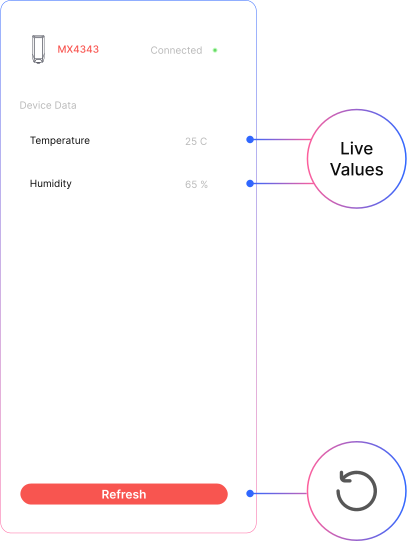
- Click on the refresh button fetch data
Related Resources
- Datasheet: MacSync LTS X1 LoRaWAN temperature and humidity sensor datasheet
- Start of this manual: Temperature & Humidity Introduction
- Setup shared by all sensors: Common LoRaWAN sensor settings
- Help: Contact Macnman support